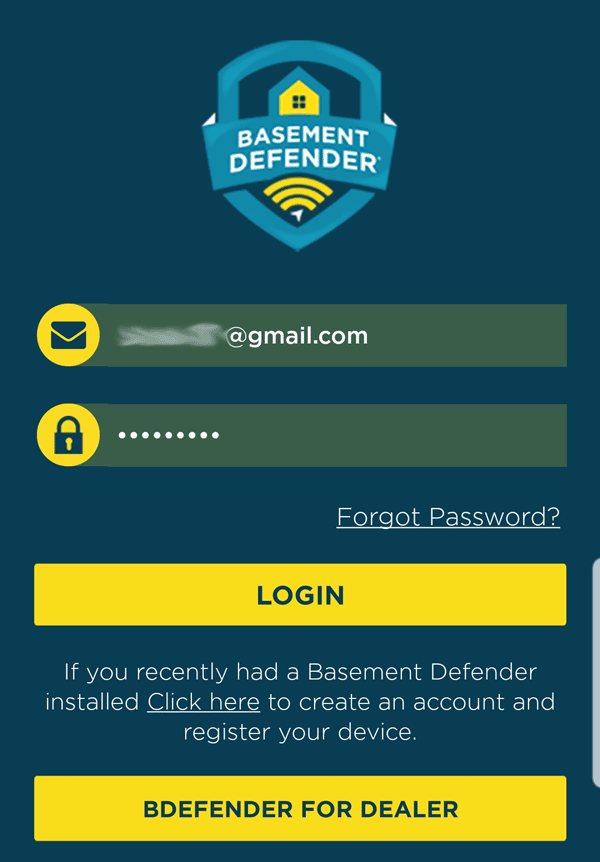
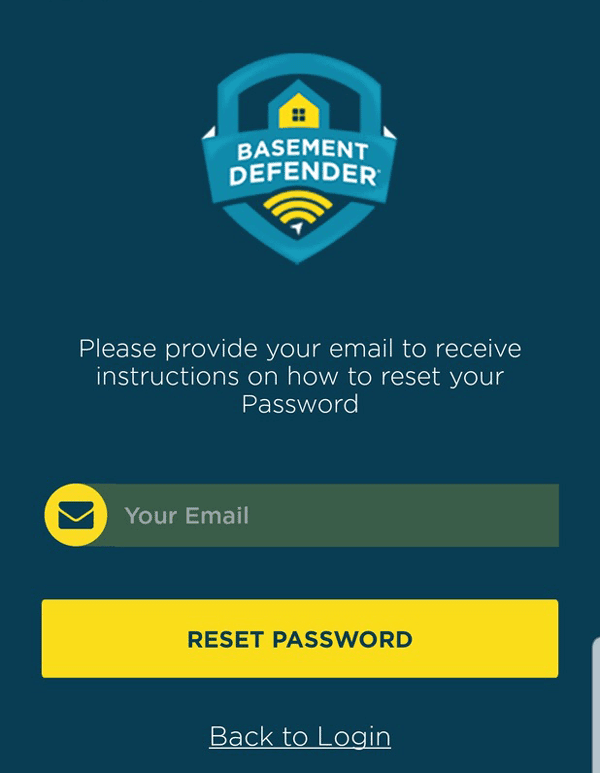
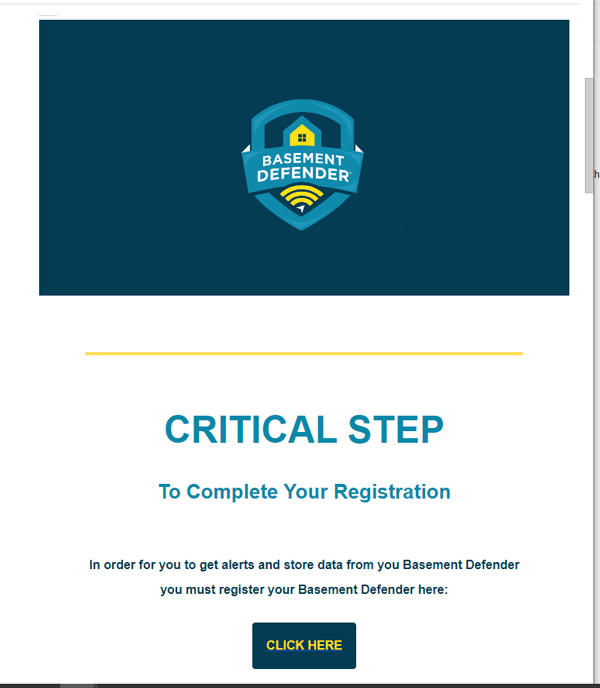
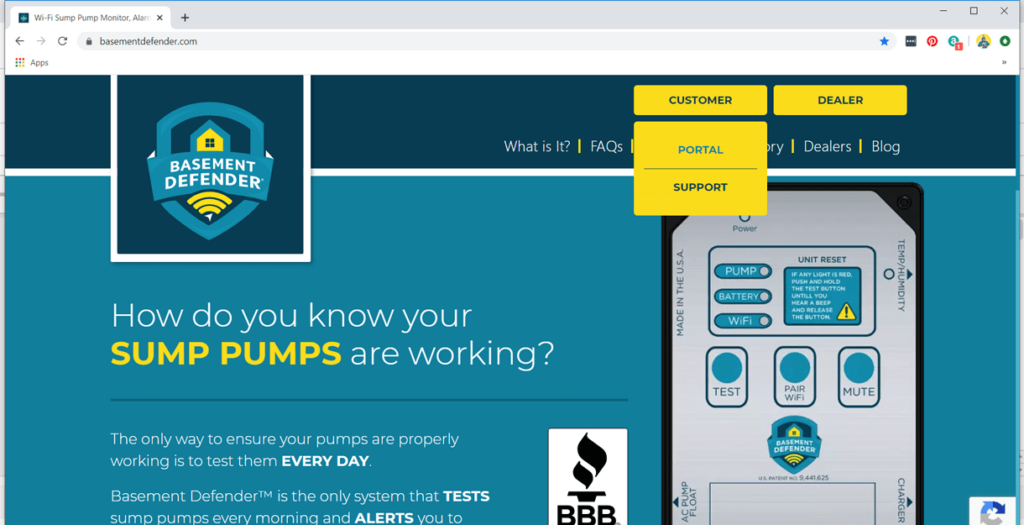
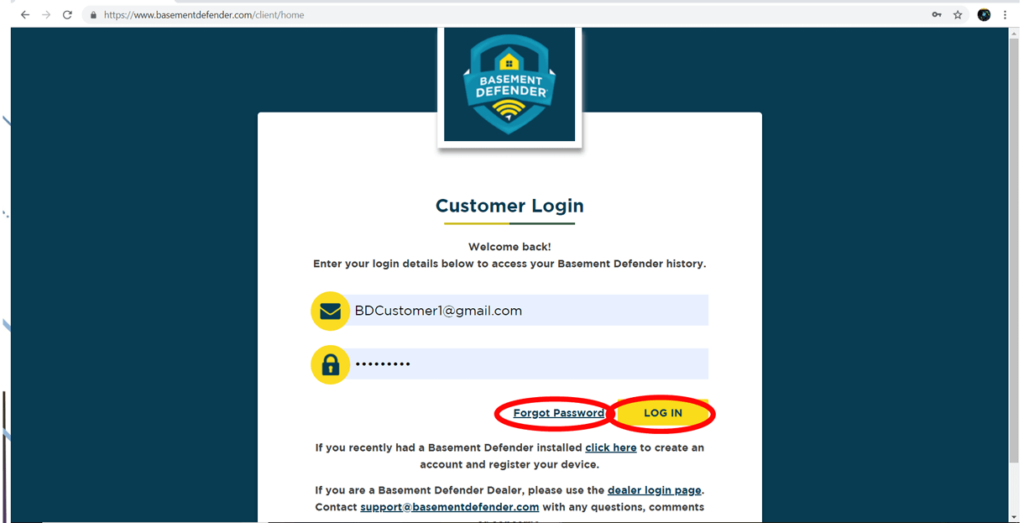
< All Topics Main Forgot My Password Print Forgot My Password You can reset your password either on your phone or through the web portal.Phone1. Open the app. 2. Tap the “Forgot Password” link.3. Enter your email address and tap “Reset Password.” 4. Go to your email and look for the an email from Basement DefenderTM – Complete your registration. 6. Follow the steps in the email to reset your password. Web PortalOpen the web page.Go to the top yellow box that is labeled “CUSTOMER”.Select from the dropdown menu “PORTAL”. 4. Select “Forgot Password”. 5. Go to your email and look for the an email from Basement DefenderTM – Complete your registration. 6. Follow the steps in the email to reset your password.