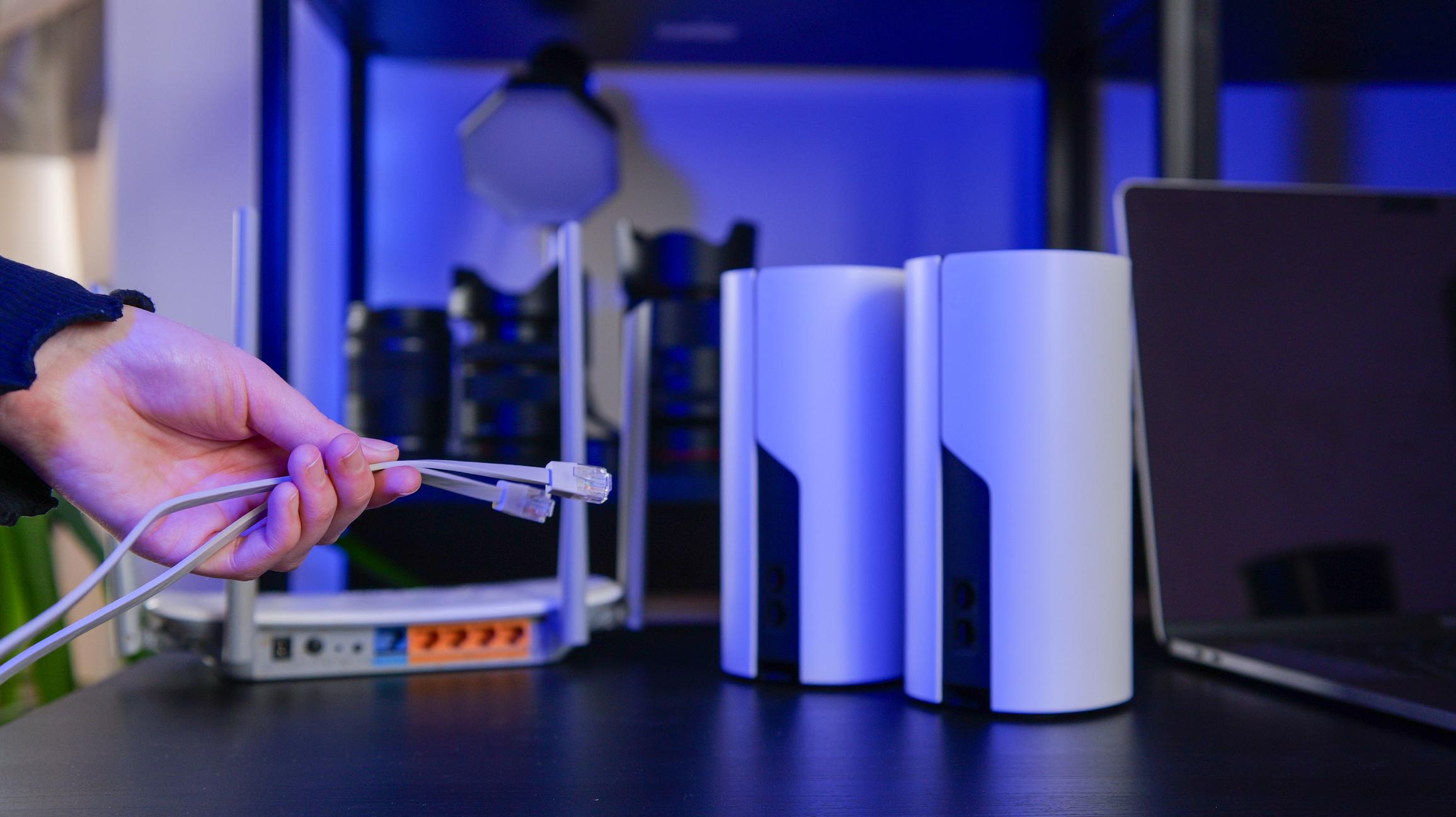
A basement can behave like a wireless cave. Concrete walls, metal ductwork, and distance from your router can weaken the signal long before it reaches the sump pit. The good news is that a few strategic improvements can dramatically improve connectivity.
Here are 10 practical ways homeowners can strengthen basement Wi-Fi.
Routers work best when they sit near the center of the home rather than in a corner or tucked inside a cabinet.
Good placement ideas:
Avoid placing routers behind televisions or inside cabinets.
Wi-Fi signals spread outward like a dome. When a router sits low or on the floor, part of the signal is absorbed by furniture and building materials.
Placing the router 4–6 feet above the floor often improves signal distribution.
Mesh systems spread Wi-Fi using multiple nodes placed around the house.
Placing a node:
can dramatically improve coverage downstairs.
A Wi-Fi extender captures the existing signal and rebroadcasts it.
Best placement:
This can boost the signal reaching the basement without installing new wiring.
Running an Ethernet cable to the basement allows you to install a wired access point, which creates a full-strength wireless signal downstairs.
This is one of the most reliable solutions.
Many modern mesh systems allow Ethernet backhaul, which dramatically improves stability.
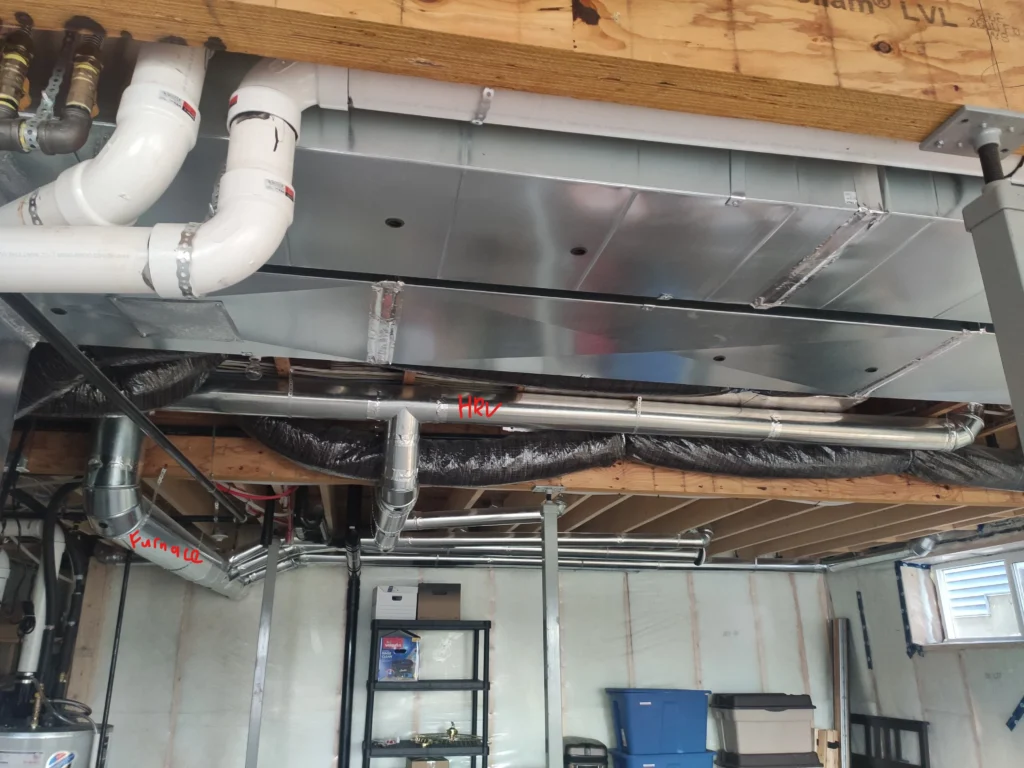
Try to keep routers and Wi-Fi devices away from large metal objects such as:
Metal surfaces reflect wireless signals and create interference patterns that weaken connectivity.
Many routers broadcast two wireless bands:
The 2.4 GHz band travels farther and penetrates walls better, making it more reliable for basement devices.
The 5 GHz band is faster but weaker through walls and floors.
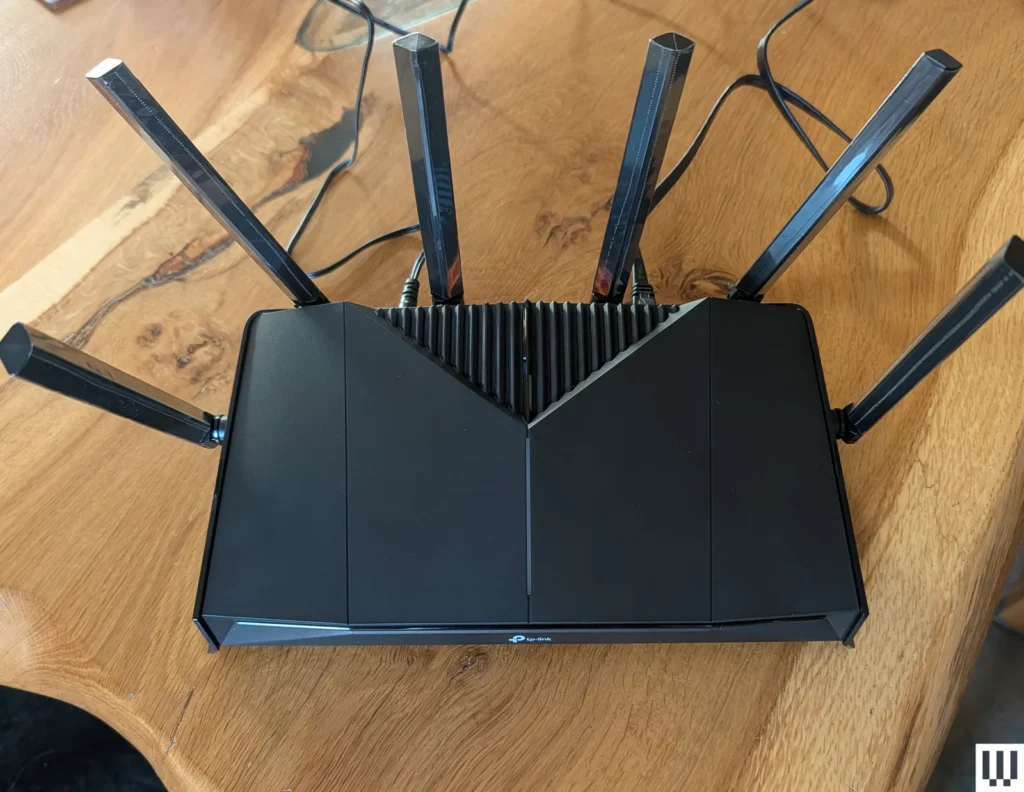
Older routers often struggle to cover larger homes.
Modern routers support technologies such as:
Upgrading to a newer router can dramatically improve coverage.
Before installing a smart device near your sump pit or mechanical equipment, test the signal with a smartphone.
If the signal is weak, reposition equipment or add a mesh node before installation.
This prevents connection problems later.
Sometimes moving a device just a few feet can improve connectivity.
Try to avoid installing devices:
Even small placement changes can improve signal reliability.
Many homeowners assume Wi-Fi works the same everywhere in the house. Basements often reveal the limits of that assumption.
Here are some of the most common mistakes.
Routers hidden in cabinets or behind furniture lose significant signal strength.Wireless routers perform best in open air.
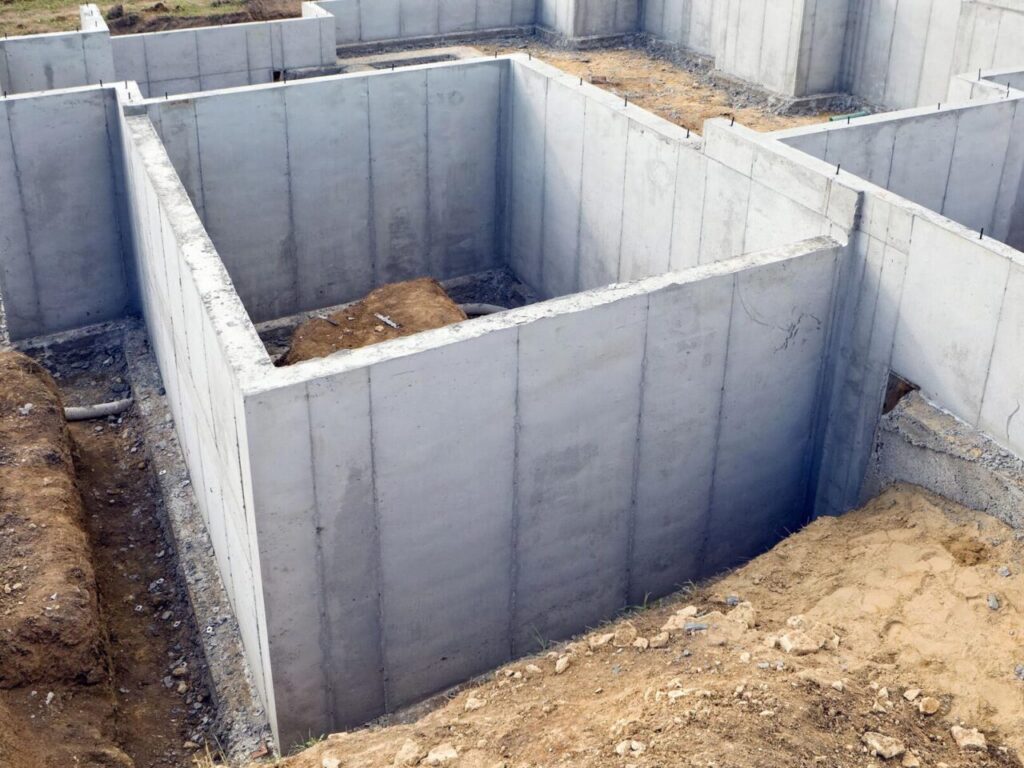
If the router is installed in a basement corner, most of the signal gets absorbed by concrete foundation walls.
A central location allows the signal to spread evenly through the home.
Many homeowners install smart devices without checking signal strength first.
Testing signal levels beforehand helps prevent disconnection problems later.
Larger homes often need multiple access points.
Mesh Wi-Fi systems distribute signal more evenly throughout the house and are often the best solution for multi-story homes.
Increasing internet speed from your provider does not improve Wi-Fi coverage.
Coverage problems are usually caused by:
Basements now host critical monitoring systems such as:
These devices depend on reliable connectivity to send alerts when something goes wrong.
A weak signal can prevent alerts from reaching homeowners.
A basement may be the lowest level of your home, but it often protects everything above it.
Reliable connectivity helps ensure that smart monitoring systems work when you need them most.
This device TESTS your sump pump every day.
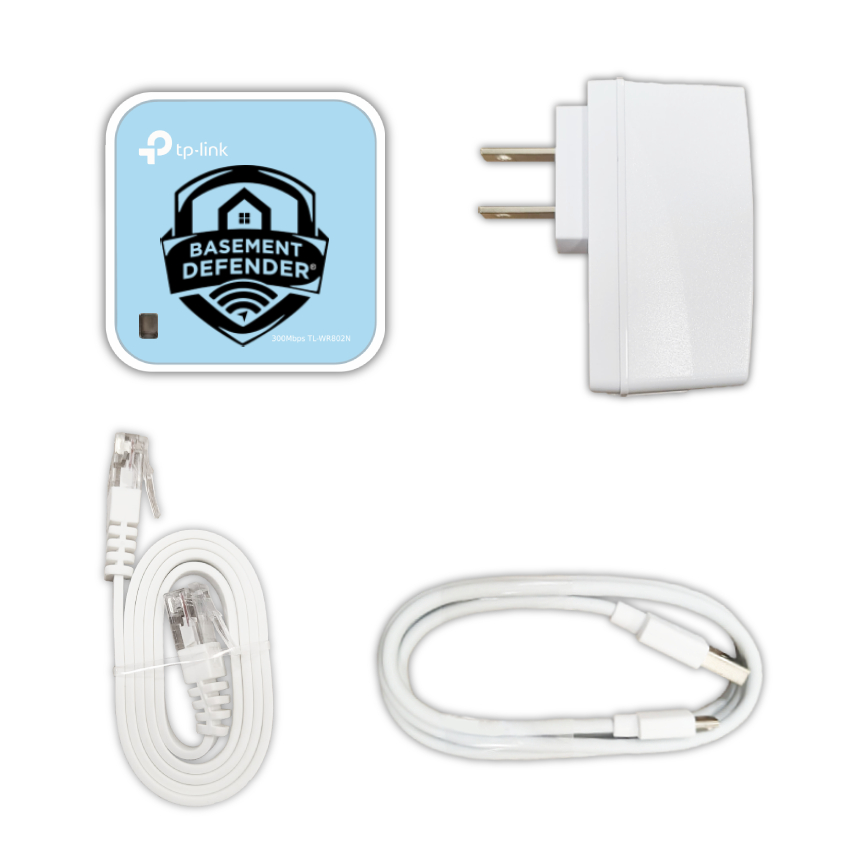
Systems like Basement Defender continuously monitor sump pumps, backup pumps, and battery systems while sending alerts if a problem occurs.Because when it comes to basement protection, technology only works if it stays connected.



Use code BDFREESHIP26 at checkout to get FREE shipping